

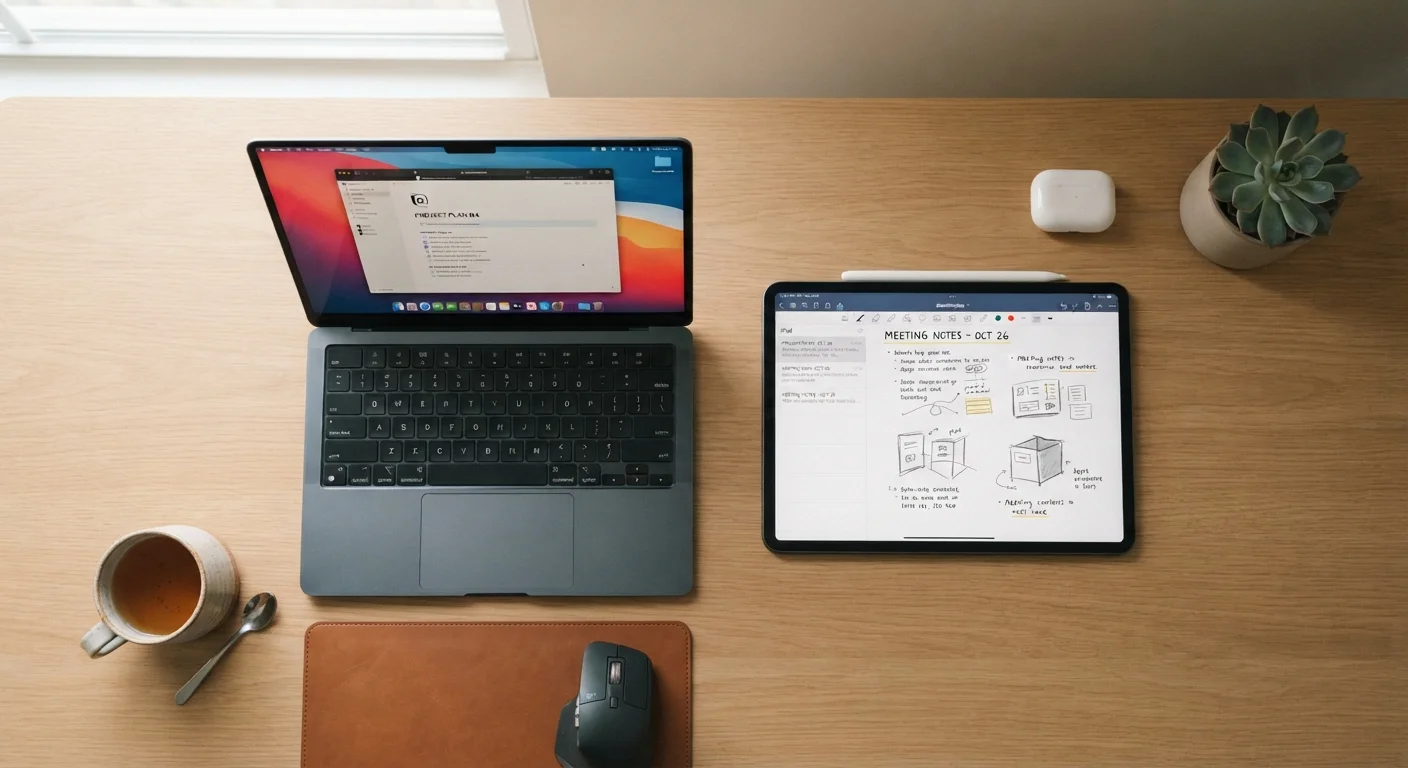
Option A
Tablet
The portable, touch-first companion for consumption and light tasks.
Best for: People who primarily browse, stream, read, video call, or want a lightweight device for travel and casual use.
Option B
Laptop
The versatile workhorse built for productivity and complex tasks.
Best for: Anyone who regularly writes, codes, edits, manages files, or needs full desktop-class software on the go.
Where Tablets and Laptops Actually Differ
On the surface, the gap between tablets and laptops has narrowed. Many tablets now support keyboard attachments and styluses; some laptops have touchscreens. But the underlying design philosophy of each device still pulls in different directions, and understanding that difference saves you from buying the wrong tool.
Tablets are built around a touchscreen interface. Their operating systems - whether iOS/iPadOS or Android - are optimized for tapping, swiping, and app-based workflows. That design lends itself to portability, quick access, and longer battery life. Laptops, by contrast, are built around a keyboard and a desktop-class operating system (Windows or macOS). They're designed to run complex software, handle large files, and support extended multitasking across multiple windows.
| Criterion | Tablet | Laptop |
|---|---|---|
| Primary input method | Touchscreen | Physical keyboard and trackpad |
| Typical weight | 1-2 lbs | 3-6 lbs |
| Operating system | iPadOS or Android | Windows or macOS |
| App ecosystem | Mobile/tablet apps | Full desktop software |
| Multitasking | Limited multi-window | Robust multi-window |
| Battery life | Generally longer (8-12 hrs) | Varies widely (6-15 hrs) |
| Port availability | Minimal (often 1 USB-C) | Multiple ports standard |
| Best suited for | Consumption and light tasks | Productivity and complex work |
Neither is universally better - but they make different assumptions about what you'll do most often. A tablet assumes you'll mostly interact with content; a laptop assumes you'll mostly produce it.
What Real Usage Patterns Reveal
One of the most honest questions to ask yourself: in a typical week, how much are you creating versus consuming? If you spend most of your screen time watching videos, reading articles, scrolling social media, or video chatting with family, a tablet fits that workflow naturally. If a meaningful chunk of your time involves writing, building spreadsheets, editing photos or video, or using specialized software, a laptop is likely the more capable choice.
~55%
U.S. adults who own a tablet
Pew Research Center surveys have consistently found tablet ownership among American adults hovering in the mid-50 percent range, often as a secondary device alongside a laptop or desktop.
2-3×
Longer average typing sessions on laptops
Ergonomic research generally finds that users type significantly longer and with fewer errors on physical keyboards compared to on-screen or accessory tablet keyboards.
Keyboard comfort is another real dividing line. Even the best tablet keyboard accessories tend to involve trade-offs - smaller key travel, awkward lap positioning, or split attention between touch and keyboard input. For anyone who types for hours at a stretch, a built-in laptop keyboard still wins on ergonomics and speed.
Software availability matters too. Many professional tools - accounting platforms, design suites, certain research and coding environments - either don't have tablet equivalents or offer significantly stripped-down versions. Before assuming a tablet can handle your workload, it's worth checking whether the specific applications you rely on are fully supported. You can also check out our guide to organizing your digital life across devices for a broader look at managing apps and files across different hardware.
Connectivity, Portability, and the Hidden Costs
Both devices connect to Wi-Fi, and some models of each offer optional cellular connectivity. If you're often working away from home networks, it's worth understanding how those connections behave - our comparison of Wi-Fi vs. mobile data breaks down when each option actually makes sense.
Tablets are generally lighter and thinner, which matters if you carry a device in a bag all day or use it in contexts where a laptop would feel unwieldy - on a commute, in a waiting room, or propped up in bed. Laptops require a surface and more intentional setup.
Consider the accessory math before making a decision. A tablet that needs a keyboard case, a stylus, and a hub for ports can end up costing as much as - or more than - a mid-range laptop. Factor in what you'd actually need to buy to make either device fully functional for your use case.
Tablets as Laptop Replacements: Know the Limits
Some tablet manufacturers market their devices as laptop replacements, and for light users that framing can hold up. However, tasks like running local files in professional-grade software, connecting to enterprise networks, or using peripherals that require specific drivers typically work better on a traditional laptop operating system. Test your actual workflow before committing to a tablet-only setup.
Your home internet setup also plays a role. A device that depends on streaming and cloud storage benefits from a reliable, reasonably fast home connection. If you're assessing or upgrading your home setup, everything that shapes your home internet experience is a useful reference.
The content on this site is for informational purposes only and is not a substitute for professional advice. Always consult a qualified professional for guidance specific to your situation.