

The Three Things an Update Actually Does
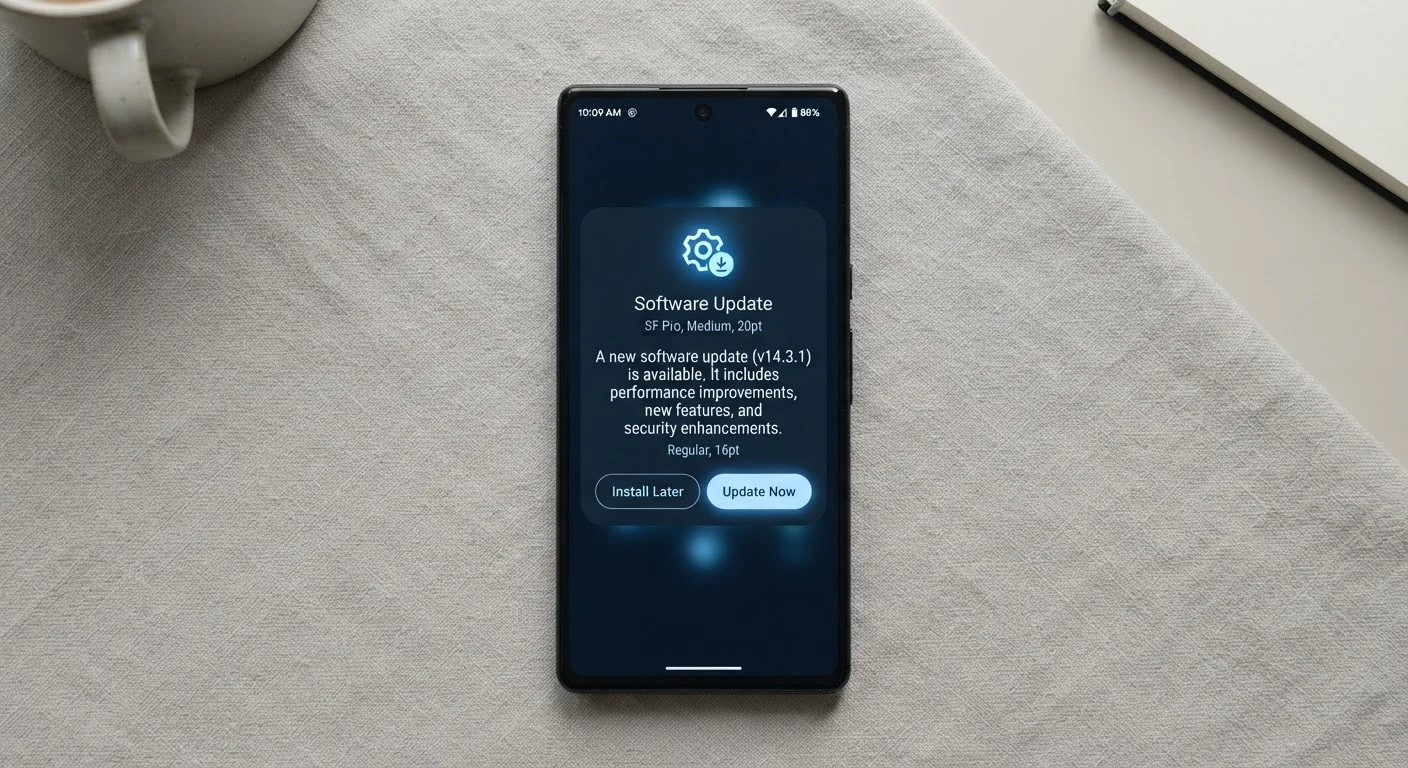
When your phone or computer displays that familiar "Software Update Available" notification, most people see an interruption. What's actually being offered is a bundle of three distinct categories of change, each serving a different purpose.
Security patches are the most critical component. Software contains code written by humans, and humans make mistakes. Researchers - both inside companies and independent - discover flaws in that code regularly. A security patch closes the specific gap before attackers can use it against you. Manufacturers typically release these on a regular schedule; many major platforms publish patches monthly.
Bug fixes address problems that aren't necessarily security risks but affect how reliably your device works. An app that crashes on launch, a camera that freezes, or a Bluetooth connection that drops unexpectedly - these are the kinds of issues bug fixes resolve. They're drawn from error reports that devices send back (with your permission) and from user-reported problems.
Feature changes are what most people assume updates are entirely about. New interface elements, added capabilities, or removed legacy tools fall into this category. Feature changes are typically a smaller portion of any given update - security and stability work dominates the majority of software update releases.
Enable Automatic Updates for Security Patches
Most devices allow you to turn on automatic installation for security patches while keeping manual control over major version upgrades. This approach keeps your device protected without requiring you to evaluate every notification. Check your device's Settings under "Software Update" or "System" to configure this option.
Why Security Patches Matter More Than You Might Think
Once a vulnerability is publicly disclosed - which happens every time a patch is released - it becomes a known target. Security researchers publish details so the broader community can understand what was fixed. That same information is available to people with malicious intent.
Devices that haven't applied the patch remain exposed to a flaw that is now publicly documented. This is why the window between a patch release and installation matters. Attackers routinely scan for unpatched devices running older software versions.
60%+
Of breaches exploit known, patchable vulnerabilities
Industry security analyses have consistently found that a majority of successful cyberattacks target flaws for which patches were already available but not yet applied.
Monthly
Typical security patch cadence for major platforms
Major operating system providers including those behind leading mobile and desktop platforms publish scheduled security updates on a roughly monthly basis.
This dynamic is similar to how skipping routine maintenance on a car creates compounding risk over time - problems that are small and cheap to fix early become larger and more expensive to address later. For a deeper look at that parallel, see our car maintenance schedule guide.
What Changes You Might Actually Notice
Most updates are invisible in daily use - they work in the background without visibly altering your experience. But some updates do produce changes you'll see and feel.
Battery life improvements are one of the more welcome side effects of updates. Code inefficiencies that cause a processor to work harder than necessary are common sources of battery drain, and bug fix releases frequently address these. If your device's battery has been depleting faster than usual, an available update is worth checking before assuming the battery itself has failed.
Interface changes - repositioned buttons, redesigned menus, or altered notification behavior - can feel disorienting at first. These are deliberate design decisions, often based on usability research. They rarely affect core functionality, though they can require a brief adjustment period.
It's also worth noting that ignoring updates is one of the more common ways people quietly reduce their device's useful lifespan. Our article on habits that shorten device lifespan covers this alongside other overlooked maintenance practices.
How to Approach Updates Without the Anxiety
The most practical approach is to allow automatic updates for security patches while reviewing major version upgrades before installing. Most operating systems let you configure this distinction in settings - automatic for minor patches, manual approval for large version jumps.
Before a major upgrade, a quick search for early user reports can surface any significant issues others have encountered. Waiting a week or two after a major release is reasonable caution, not procrastination.
If your device's behavior changes after an update in ways that seem wrong - not just unfamiliar - a full restart often resolves residual process conflicts. For a closer look at why that simple step works, see our guide on why restarting fixes so many device problems.
Major Version Upgrades Are Different
A routine security patch and a full operating system version upgrade are not the same thing. Major upgrades - such as moving from one numbered OS version to the next - introduce broader changes and occasionally drop support for older apps or hardware features. It's reasonable to wait a short time after a major release, review notes from early adopters, and ensure your important apps are confirmed compatible before upgrading.
The underlying principle is straightforward: software updates are the mechanism through which manufacturers fulfill their ongoing responsibility to the devices already in use. Treating them as routine maintenance - rather than optional interruptions - keeps your device working as intended.
Frequently Asked Questions
Modern updates are generally designed to maintain or improve performance, not reduce it. Occasionally, a new operating system version introduces features that require more processing power than older hardware can handle efficiently. If your device feels slower after an update, a restart often resolves temporary slowdowns caused by background indexing processes.
Skipping updates - especially security patches - leaves known vulnerabilities open on your device. Cybercriminals actively exploit flaws that have already been publicly disclosed and patched. Delaying briefly is usually low risk, but consistently skipping updates increases your exposure over time.
An unpatched device accumulates security vulnerabilities over time, making it progressively easier for malicious software or attackers to compromise it. Apps may also stop functioning correctly as developers build for newer operating system versions. Eventually, an outdated device may no longer receive updates at all, meaning vulnerabilities will never be addressed.
Most routine updates download in the background and take between five and twenty minutes to install, depending on your internet speed and the update size. Major operating system upgrades can take thirty minutes to an hour. Your device will typically prompt you to install during a low-activity window.
Standard updates do not delete personal data such as photos, contacts, or app data. Major version upgrades are also designed to preserve your data. That said, it is good practice to back up your device before any major upgrade, as unforeseen issues - though rare - can occasionally occur during large installations.
The content on this site is for informational purposes only and is not a substitute for professional advice. Always consult a qualified professional for guidance specific to your situation.