

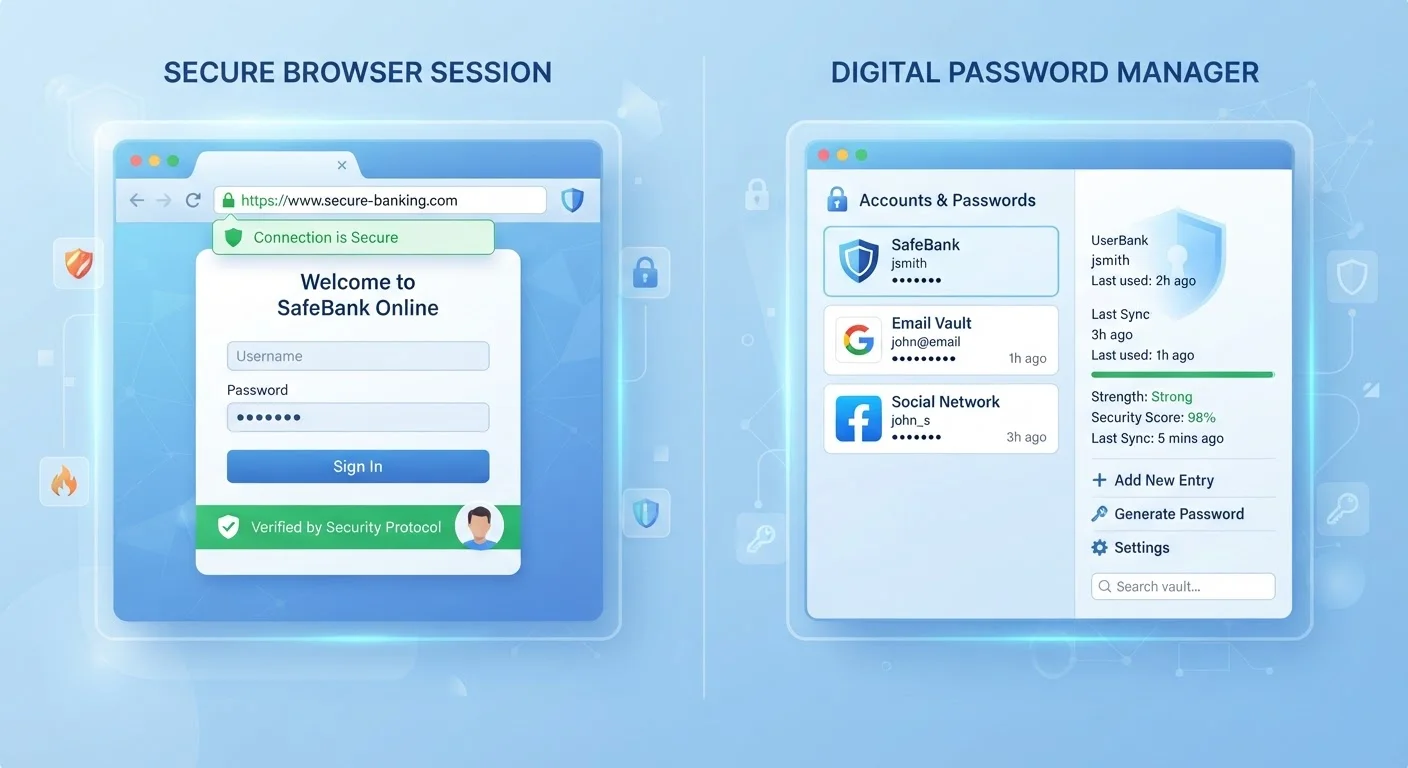
Option A
Dedicated Password Managers
The purpose-built security vault.
Best for: Users who want strong encryption, cross-platform flexibility, and advanced credential management across all their accounts.
Option B
Browser-Saved Passwords
The convenient, built-in option.
Best for: Users who prioritize frictionless logins within a single browser ecosystem and are already signed into a synced account.
How Each System Actually Works
When your browser offers to "save" a password, it stores your credentials in an encrypted file tied to your browser profile. That file is typically protected by your operating system login - the same password or PIN you use to unlock your computer. Major browsers like Chrome, Safari, Firefox, and Edge sync this data across your signed-in devices through their respective cloud accounts.
Dedicated password managers - standalone applications separate from any browser - store credentials in an encrypted vault protected by a master password you choose. The encryption happens locally before data is sent anywhere, meaning even the service provider generally cannot read your passwords (this approach is called zero-knowledge architecture). They install browser extensions to autofill credentials, but they operate independently of any single browser.
Understanding this architectural difference helps explain nearly every security tradeoff between the two. For a broader look at how these tools fit into your overall digital safety picture, see our comprehensive online safety guide.
| Criterion | Password Managers | Browser-Saved Passwords |
|---|---|---|
| Encryption model | Zero-knowledge, independent vault | Tied to OS login / browser account |
| Cross-browser access | Works across all browsers | Mostly locked to one browser |
| Cross-device access | Full support via app/extension | Within same browser ecosystem only |
| Breach monitoring | Built-in, proactive alerts | Limited or partial in most browsers |
| Password generation | Strong generator included | Basic suggestions in some browsers |
| Setup required | Moderate (app + master password) | Minimal - built into browser |
| Cost | Free tiers available; paid options exist | Free, included with browser |
| Secure notes / extras | Yes - notes, cards, licenses | Generally not supported |
Where Browser Storage Falls Short
The most significant limitation of browser-saved passwords is the strength of the protection layer. If your OS login is a simple 4-digit PIN or a short password, anyone who gains access to your unlocked computer effectively has access to every saved credential. Unlike dedicated managers, most browsers don't enforce a separate, strong master password specifically for the credential store.
Browser passwords are also largely siloed. Chrome-saved passwords don't travel gracefully into Firefox or Safari, which creates gaps for users who switch browsers or use multiple browsers for different purposes. Additionally, browsers historically have been slower than dedicated managers to alert users when a saved password appears in a known data breach - though this gap has narrowed in recent years.
80%+
Data breaches linked to weak or reused passwords
Verizon's Data Breach Investigations Reports have consistently found that compromised credentials are involved in the majority of hacking-related breaches.
~100
Average number of online accounts per user
Research from NordPass and similar security firms estimates that the typical internet user has close to 100 password-protected accounts.
Finally, browser storage offers limited organizational features. There's no tagging, folder structure, or secure note storage for things like Wi-Fi passwords, software license keys, or security questions. Dedicated managers are built around these use cases.
What Dedicated Password Managers Do Better - and Where They Add Friction
The core advantage of a dedicated password manager is independent encryption. Your vault is protected by a master password that is never transmitted to the service - so a breach of the service's servers doesn't expose your actual credentials. This is a meaningfully different security model than browser storage.
Most password managers also include practical features that improve day-to-day security: automatic strong password generation, breach monitoring that checks your credentials against known leaked databases, and the ability to store secure notes or payment details. Cross-platform access - logging in on your phone, your work laptop, and a friend's computer using a temporary login - is also more capable in a dedicated tool.
The tradeoff is setup friction and, for paid tiers, cost. There's also a single point of failure: if you forget your master password and have no recovery method configured, access to your vault may be permanently lost. That's a real risk that requires setting up recovery options carefully from the start. Pairing either tool with strong two-factor authentication closes a significant gap - learn how different 2FA methods compare to make the most of whichever approach you choose.
On Master Password Recovery
Most dedicated password managers offer account recovery options such as a printable emergency kit, a trusted contact recovery method, or biometric authentication. Set these up when you create your vault - not after you've forgotten your master password. Losing master password access without a recovery method in place can mean permanently losing access to your vault, as zero-knowledge encryption prevents the service from restoring it on your behalf.
Making a Practical Choice
Neither option is reckless if used thoughtfully. Browser-saved passwords represent a genuine improvement over password reuse or writing credentials in a notes app - both of which remain far more dangerous than either storage method discussed here. If you're just beginning to take password security seriously, browser storage with unique passwords for every site is a sound starting point.
If you manage more than a handful of accounts, regularly move between devices, or handle sensitive information like financial accounts or healthcare portals, a dedicated password manager's additional protections are worth the setup investment. Whichever route you take, enabling two-factor authentication on your most important accounts adds a layer that neither password storage method alone can replicate.
For a full walkthrough of your credential security alongside other digital safety habits, the personal security checklist is a useful next step.
The content on this site is for informational purposes only and is not a substitute for professional advice. Always consult a qualified professional for guidance specific to your situation.