

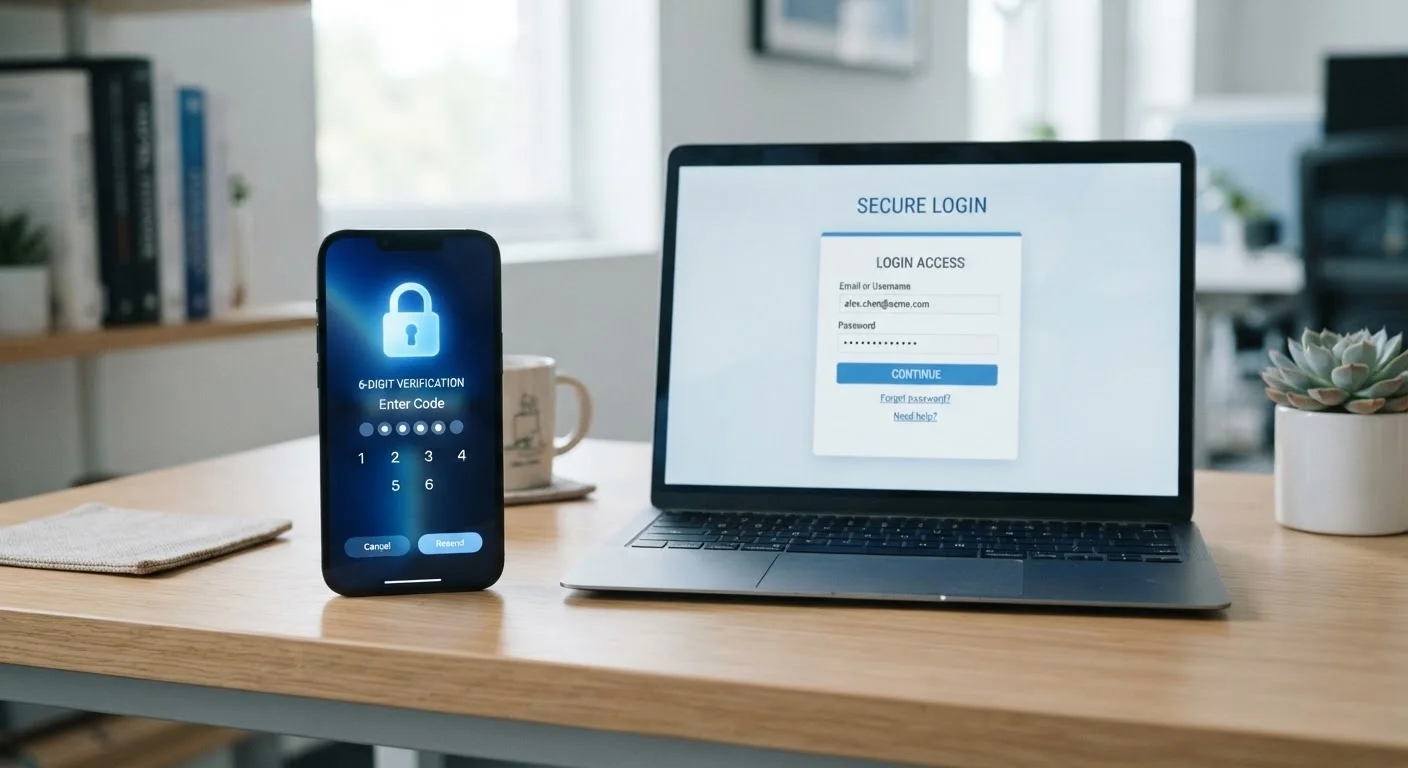
Why a Password Alone Is No Longer Enough
Passwords get stolen more often than most people realize. Data breaches, phishing emails, and credential-stuffing attacks - where stolen passwords from one site are tested against others - mean that even a strong, unique password can be compromised without any fault of your own.
Two-factor authentication addresses this gap directly. Even if someone obtains your password, they still cannot access your account without the second verification step. That second step is tied to something only you are likely to have - a physical device, an app, or a biometric scan - making unauthorized access dramatically harder.
This is also why pairing 2FA with good password habits matters. See our guide to password storage options for context on how credentials are best managed alongside security tools like 2FA.
80%+
Of hacking-related breaches involving stolen credentials
According to Verizon's Data Breach Investigations Report, the vast majority of hacking-related breaches exploit weak or compromised passwords, underscoring the value of a second authentication factor.
99.9%
Of automated account attacks blocked by MFA
Microsoft has stated that multi-factor authentication can block the overwhelming majority of automated credential-stuffing and phishing attacks targeting accounts.
How Different 2FA Methods Work - and Where They Fall Short
Not every second factor offers the same level of protection. Understanding the differences helps you make a more informed choice for your most important accounts.
SMS Text Message Codes
After entering your password, you receive a one-time code via text message. It's widely supported and easy to use, but it relies on your phone number remaining secure. A technique called SIM swapping - where a fraudster tricks your mobile carrier into reassigning your number to a new SIM card - can allow an attacker to intercept these codes. SMS 2FA is still a meaningful improvement over no 2FA, but it shouldn't be the only protection on high-value accounts.
Authenticator Apps
Apps generate time-sensitive, six-digit codes on your device itself, without relying on a mobile carrier. Because the code is generated locally and expires within roughly 30 seconds, it's much harder for an attacker to intercept. If your phone is lost or stolen, the codes aren't accessible without also unlocking the device.
Hardware Security Keys
A physical device - typically a small USB or NFC key - that you tap or plug in to verify your identity. These keys use a cryptographic handshake tied to the specific website you're logging into, which makes them highly resistant to phishing. Even if you're tricked into entering your credentials on a fake site, the key won't authenticate for an illegitimate domain.
Set Up Backup Codes When Enabling 2FA
Most services generate a set of single-use backup codes when you first activate two-factor authentication. Save these codes somewhere secure and offline - such as printed and stored with important documents - so you can still access your account if your primary second factor is unavailable. Losing both your password recovery options and your second factor at the same time can result in permanent account lockout.
Choosing the Right Method for Your Situation
For most everyday users, enabling an authenticator app on email, banking, and social media accounts offers a strong and practical upgrade. Hardware security keys provide the highest level of protection, but they require purchasing a physical device and are best suited for people with elevated security needs - journalists, executives, or anyone frequently targeted by phishing attempts.
The key principle is straightforward: match the strength of your 2FA to the sensitivity of the account. A streaming service and an online bank account don't carry the same risk if compromised. Prioritize accordingly, and remember that any 2FA implementation meaningfully raises the bar that attackers have to clear.
Frequently Asked Questions
Two-factor authentication (2FA) requires you to prove your identity using two separate methods when logging into an account. Typically, after entering your password, you're asked to confirm a second factor - like a code from an app or a text message. Only someone who has both your password and your second factor can get in.
SMS-based 2FA is much safer than using a password alone, but it carries a known vulnerability called SIM swapping, where attackers convince your carrier to transfer your number to their device. For accounts protecting sensitive information - banking, email, work tools - an authenticator app or hardware key offers stronger protection.
Hardware security keys, such as a physical device you plug into your computer or tap against your phone, are widely considered the most phishing-resistant form of 2FA. They require physical possession of the key and are not susceptible to the interception attacks that affect SMS and even some app-based codes.
Prioritize 2FA on accounts that hold sensitive data - email, banking, social media, and any account linked to financial information. Email is especially critical because it's typically used to reset passwords for other accounts. Enabling 2FA more broadly is always advisable when an option is available.
Most services provide backup codes when you set up 2FA - store these in a safe, offline location. Some services also allow you to register multiple second factors. If you lose access entirely, account recovery usually requires contacting the platform's support team and verifying your identity through an alternative process.
The content on this site is for informational purposes only and is not a substitute for professional advice. Always consult a qualified professional for guidance specific to your situation.