

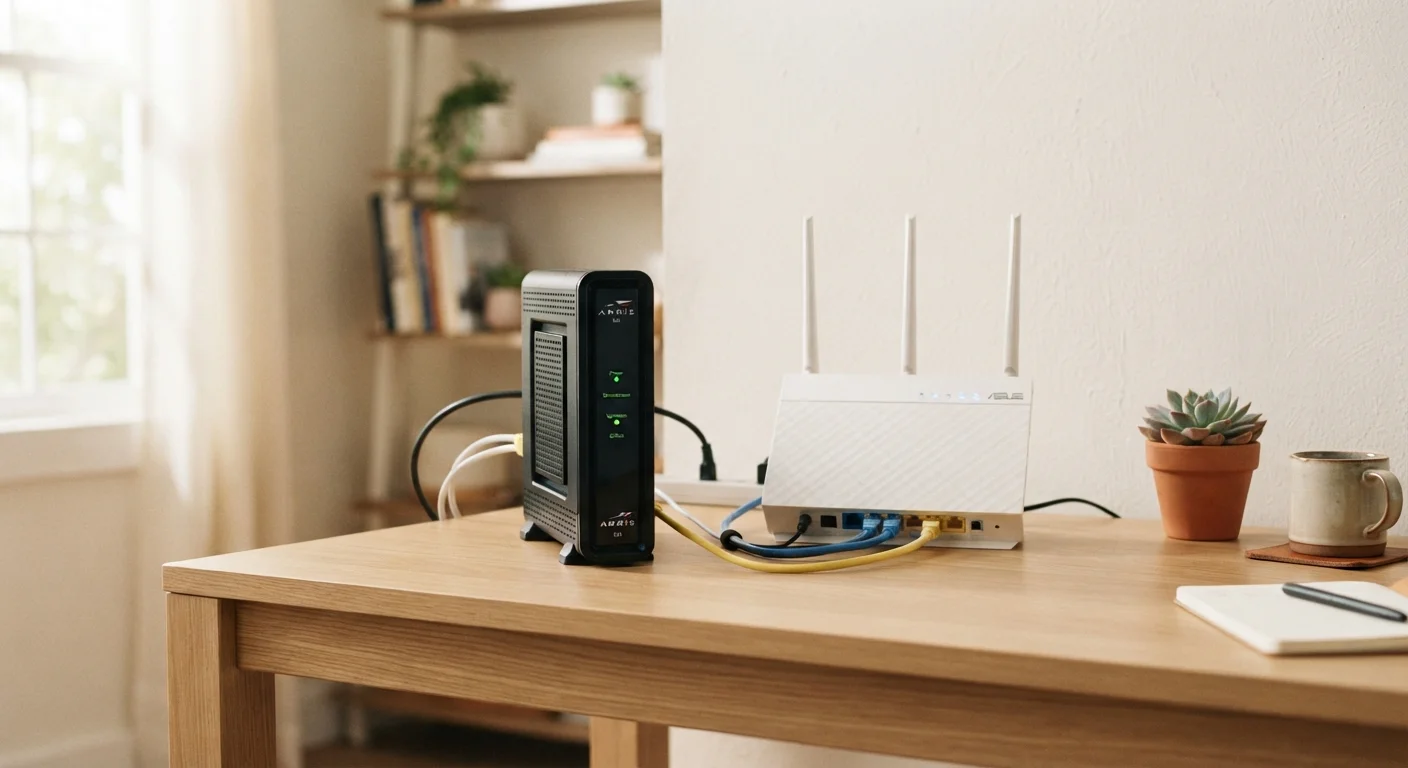
Option A
Modem
The gateway that connects your home to the internet.
Best for: Translating your ISP's signal into a digital connection your home network can use.
Option B
Router
The traffic director that shares one connection across many devices.
Best for: Distributing a single internet connection to smartphones, laptops, smart TVs, and other devices via Wi-Fi or ethernet.
What Each Device Actually Does
Despite often sitting next to each other on a shelf, a modem and a router perform fundamentally different jobs. Mixing them up is one of the most common sources of home networking confusion - and it can make troubleshooting much harder than it needs to be.
The modem (short for modulator-demodulator) acts as a translator. Your internet service provider (ISP) delivers a signal to your home through a coaxial cable, phone line, or fiber-optic connection, depending on your service type. That signal doesn't arrive in a form your laptop or phone can understand natively. The modem converts it into a standard digital signal - specifically, an ethernet connection - that home devices can use. Without a modem, there is simply no internet entering your home. To learn how different service types deliver that signal in the first place, see how each internet technology works.
The router takes the single internet connection the modem provides and shares it across multiple devices simultaneously. It creates your home's local network - assigning each device its own internal address, managing traffic between them, and broadcasting the Wi-Fi signal you connect to. The router also acts as your first line of network security, blocking unsolicited incoming traffic through a built-in firewall.
In short: the modem brings internet into your home; the router spreads it around your home.
| Criterion | Modem | Router |
|---|---|---|
| Primary function | Connects home to ISP network | Distributes connection to devices |
| Signal handled | ISP line (cable, fiber, DSL) | Internal home network traffic |
| Wi-Fi capability | None (standalone modem) | Yes - creates Wi-Fi network |
| Number of devices served | One (the router or a single PC) | Many simultaneously |
| Security role | Minimal | Built-in firewall and NAT |
| Provided by ISP? | Often, via rental or purchase | Sometimes, in combo gateway units |
| Can you own it outright? | Yes, if ISP-compatible | Yes, independently of ISP |
Combo Units, Separate Devices, and What ISPs Typically Provide
When you sign up for internet service, your ISP will often offer - or require - a piece of equipment called a gateway. A gateway is a single device that combines modem and router functionality into one box. It simplifies setup, reduces the number of cables, and means you're dealing with one device instead of two.
However, combo units come with trade-offs. They tend to offer fewer advanced settings, may not perform as well as dedicated devices, and are typically rented from the ISP for a monthly fee that adds up over time. Households with basic needs and a smaller number of devices often find combo units perfectly adequate. Those with larger homes, multiple streaming devices, remote workers, or online gamers frequently benefit from separating the two functions.
$10-$15/mo
Typical ISP equipment rental fee
Many major U.S. ISPs charge a monthly fee to rent a modem or gateway, which can exceed $120-$180 per year.
2-3 years
Average payback period for owned modem
Purchasing a compatible modem outright typically recoups its cost within two to three years compared to ongoing ISP rental charges.
If you do opt for separate devices, the modem plugs into your ISP's line on one side and into the router's WAN (Wide Area Network) port on the other. The router then handles everything inside your home. This two-device setup gives you independent control over each function - you can upgrade your router without changing your modem, and vice versa. For a full walkthrough of connecting both devices, see our guide to setting up a new home internet connection.
Check Compatibility Before Buying Your Own Modem
Not every modem works with every ISP or service type. Cable internet uses DOCSIS-standard modems, while fiber and DSL require entirely different hardware. Before purchasing a standalone modem, check your ISP's published list of approved compatible devices. Using an unsupported modem can result in reduced speeds or an inability to activate service.
Why the Distinction Matters When Something Goes Wrong
Understanding which device does what pays off most during troubleshooting. When your internet drops or slows down, knowing whether the problem is with the modem (your connection to the ISP) or the router (your internal network) determines exactly where to start.
If only one device on your network is slow - but others are fine - the router is the likely culprit, or the issue may be with that specific device. If all devices lose internet at the same time, start with the modem: check its status lights, restart it, and confirm whether your ISP is experiencing an outage in your area. A solid or blinking "Online" or "DS/US" (downstream/upstream) light typically indicates the modem has a healthy connection to your ISP.
Router problems often show up as slow Wi-Fi in certain rooms, devices dropping off the network intermittently, or difficulty connecting new devices. These are internal network issues the modem has no visibility into. Understanding this division also applies when comparing service types - for example, fiber connections use a different type of modem (often called an ONT, or Optical Network Terminal) than cable or DSL services. See how fiber and cable differ at the hardware level for more context. For a broader look at everything that affects your connection quality, the complete home internet guide covers equipment, speeds, and more in one place.
The content on this site is for informational purposes only and is not a substitute for professional advice. Always consult a qualified professional for guidance specific to your situation.